eSIMs: What Caught Me Off Guard and What You Need to Know Before You Travel Abroad
An eSIM enables you to access the internet while you are traveling. And since traveling full time is what I do, connecting to the internet fast and without any fuss is the only way I roll.
I didn’t always feel this way. That’s because I didn’t know better.
Early in my travels, getting comfortable with choosing, installing, and switching eSIMs was its own education. And mine began with a mistake.

The unwanted surprise of staying on your home plan
I came home from Indonesia to a bill I didn't expect, with charges I didn't understand, all attached to a Travel Pass my carrier pushed on me—and then refused to remove for five months.
Not an exaggeration.
Every month I'd call, explain I was no longer abroad, and walk a support rep through the same removal request. And every month, before the call ended, I'd be told to call back the following month to handle whatever charges had got added back in.
Rinse. Repeat. Five times.
Ridiculous doesn't cover it.
So, let me save you a $200 phone bill and a maddening customer support experience.
What an eSIM actually is
An eSIM is digital code that lives inside your phone as a subscriber profile. This subscriber profile belongs to you. And it tells wireless networks that you're a paying customer with the right to access a provider's local network.
Think of it as how you get online when there's no WiFi where you are.
eSIMs are purchased as data plans which you can buy from major providers like Airolo and Holafly (or any number of smaller travel providers, who offer competitive plans). Because an eSIM is software-based, you install it by scanning a QR code, manually entering the details that your carrier provides, or by downloading an app.
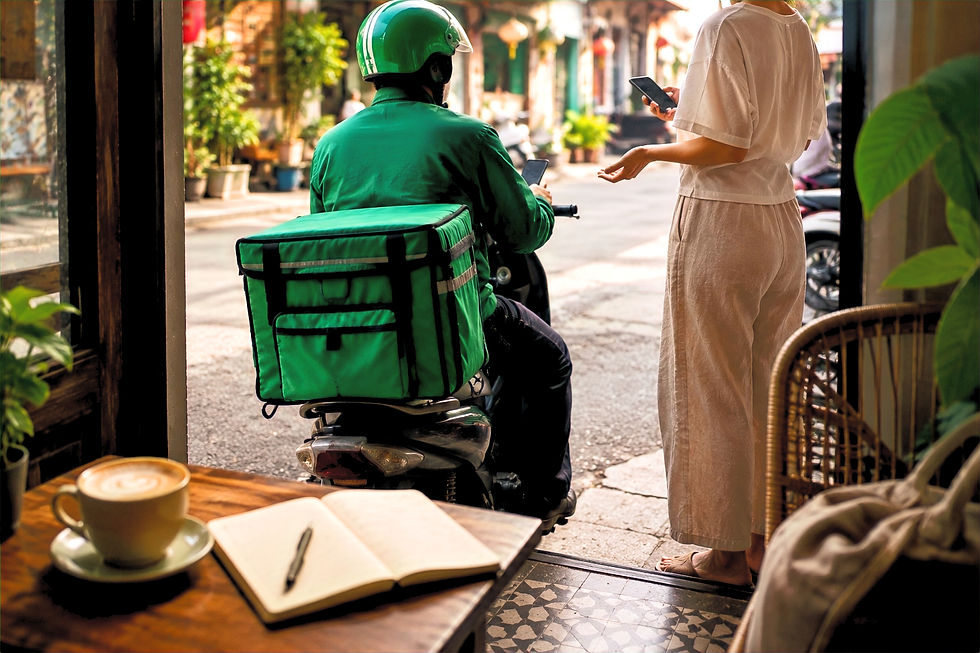
These eSIM issues caught me off guard. None of them have to catch you.
Thinking that my eSIM included a phone number
I bought a global eSIM plan and felt very sorted. Until I was living in Malaysia and realized I didn’t have a callable phone number to give the local courier.
This was my first lesson: an eSIM is a data plan.
Most travel eSIMs are data-only. They give you internet access. eSIM providers that do offer a phone number will say so clearly in the plan details.
If you’re travelling outside of your home country and think you’ll have items delivered to your accommodation, or if you want to rent an apartment, look for a plan that bundles data with call and text capability.
When I'm staying in a country for longer than a few months, a local number helps me save money; some stores and pharmacies give discounts to customers who have a local phone number.
Buying a new eSIM plan before my old one ran out
My global plan was running low. I didn't want to be caught without internet access when I traveled from Vietnam to Laos. I saw a ‘money-saver’ offer that my provider advertised. It felt logical. So, I bought it.
What I didn't understand: the new plan wouldn't activate until the old one was fully used or expired. And the new plan's expiration clock? Already ticking.
By the time my old plan ran out, my new plan had expired. Turns out, I paid for data I never got to use.
Before you buy a second plan, check four things:
How much data you have left on your current plan
When your current plan expires
If you can top up your existing plan and get the data you need for your destination(s)
When your new plan’s validity period begins—at purchase, at installation, or the moment you connect to a network abroad
That last one is where I lost money.
Every provider sets their own rules for when your plan starts counting down. Some start the moment you purchase. Some start the moment you install. Some start the moment your phone connects to a network in your destination country. This information exists but it might not be easily findable on the provider’s website.
The takeaway: know what you’re buying and ask questions when you don’t.
Often the most useful, straightforward answers come from corresponding with your eSIM provider through email.
I didn't know how to switch between eSIMs
I had four eSIMs installed and was terrified of messing up the settings when I needed to turn one off and switch to another.
For me, the solution was to visit my provider’s physical location. A very patient sales person took my phone and switched the settings for me. I was grateful but annoyed at myself for not learning how to switch eSIMs on my own. Really, it’s easy, once you get over the fear of disconnecting yourself from your bank and other critical online services.
On an iPhone, go to: Settings → Cellular → and you'll see each plan listed. Name them something useful to help you keep track.

On Android: Settings → Network & Internet → SIMs. It varies slightly by phone model, but the logic is the same.
Although you can store several eSIMs on your phone, most phones allow only two eSIMs to be active at the same time.
I keep my U.S. carrier on so that my old, primary number stays reachable for calls and texts, and I turn on whichever local eSIM matches the country I’m in. Everything else stays off until I need it.
One thing worth knowing: you can—and should—install your eSIM at home before you travel. That’s because a stable WiFi connection is needed, and at home, you likely have this part covered.
Also, the eSIM won't activate or start counting down until your phone connects to a network in your destination country. So install it before your trip.
You can practice toggling between your eSIMs in your phone settings. Then when you land, it connects on its own.
eSIM customer support was not what I expected
When something went wrong with my plan, I contacted my provider through their support chat. It started with a bot, which I expected. Then a real human took over.
Only the human responded exactly like the bot. Canned questions. Canned responses. The conversation went in circles. I gave up. And I switched providers.
Before you buy an eSIM plan, find evidence of real customer support.
Be sure to read the one-star reviews because those are the ones that help you get familiar with the kind of problems that people have.
As a safety measure, and one that I've used more than once, download maps of your local area to your phone. It's also helpful to keep a handwritten note of your accommodation address in your wallet. If you’re ever in a pickle for internet service, go to a convenience store and ask to borrow their WiFi.
Will my bank still be able to reach me?
If my home number goes quiet, what happens to my bank alerts, my two-factor codes, my subscription notifications? Slow and full-time travelers share this fear.
Here's what actually happens: your home SIM—the one attached to your regular phone number—stays active in your phone alongside your eSIM. Your number doesn't go anywhere.
Your bank texts, your authentication codes, your subscription notifications—they all still come through on your home number, as long as your home SIM is receiving a signal or you've set it to allow roaming for calls and texts.
The key thing to do before you travel: go into your phone settings and make sure your eSIM is set as the data line, and your home SIM is set to handle calls and texts. That way data runs cheap through the eSIM, and your number stays reachable.

One last thing before you pack your bags
eSIMs are dramatically cheaper than international roaming for most U.S. carriers. And they're the reason I can land in a new country, open Google Maps, and know exactly where I'm going before I've reached baggage claim.
If you have other questions about eSIMs that this post didn't answer, Tech Advisor unpacks a lot of details.
For the women I’ve met traveling abroad alone without an eSIM, I hope this post helps you get where you’re going without the $200 lesson I had to learn.


Comments